 d2a311b20e
* .gitignored package-lock.json that was created in the docs subfolder

* added cloud section structure

* set initial article outlines

* drafter accts-teams and shifted cloud docs in navbar

* added overview and projects draft

* added tiers and billing outline and basics

* added image to drafts and polished text. needs one more pass. added css for dngr on icons

* Added photos to overview

* minor tweak on images

* imrpoved copy and expanded CSS for inline icons

* expnaded CSS and, added images and finished copy on  acct-n-team

* more copy touchups

* Add divider between cloud and regular docs

* Fix capitalization of Github -> GitHub

* fixed overview images and tweaked copy

* recructured pages. Added writing tasks on appropriate pages

* added accts, options, and teams pages

* Overview intro (re)written)

* overview initial copy

* Overview first draft complete, links not added, media not added

* accounts initial draft complete, no media

* teams redrafted, projects and options partial refactoring

* projects redrafted

* finalized 5th page as glossay and reformatted

* refactored glossary structure

* glossary terms p1

* glossary copy 80% complete

* more glossary copy

* cloud glossary basic copy probably 100% done

* checked hyperlinks

* initial proofread on overview

* initial accounts proofread

* re-edited billing sections

* re-editec projects section and glossary

* re-edited teams

* small edits

* edited accounts, teams, projects

* re-edited glossary

* added screenshot-based media, still need graphic illustrations

* small, tiny edits

* fixed GitHub capitalization and other small type error

* applied ben's edit suggestions on overview, accounts, and 1/2 of projects

* applied the rest of Ben's edits

* added missing screenshots

* proof-read

* Fixed Team proejcts title

* tweaked copy after my ~10 questions to ben

* reworked 'projects > create a project' sections and 'glossary > data-processing' section

* final copy touchup, link check, still missing Rijk's review

Co-authored-by: rijkvanzanten <rijkvanzanten@me.com>
Co-authored-by: Eron Powell <eronpowell@Erons-MBP-2.local>
Co-authored-by: Eron Powell <eronpowell@Erons-MBP-2.hitronhub.home>
3.8 KiB
Overview
Our Cloud service manages all infrastructure and software updates on your Directus Projects. From hobbyists and startups to Fortune 500 companies, our flexible cloud service offers fair and predictable usage-based pricing.
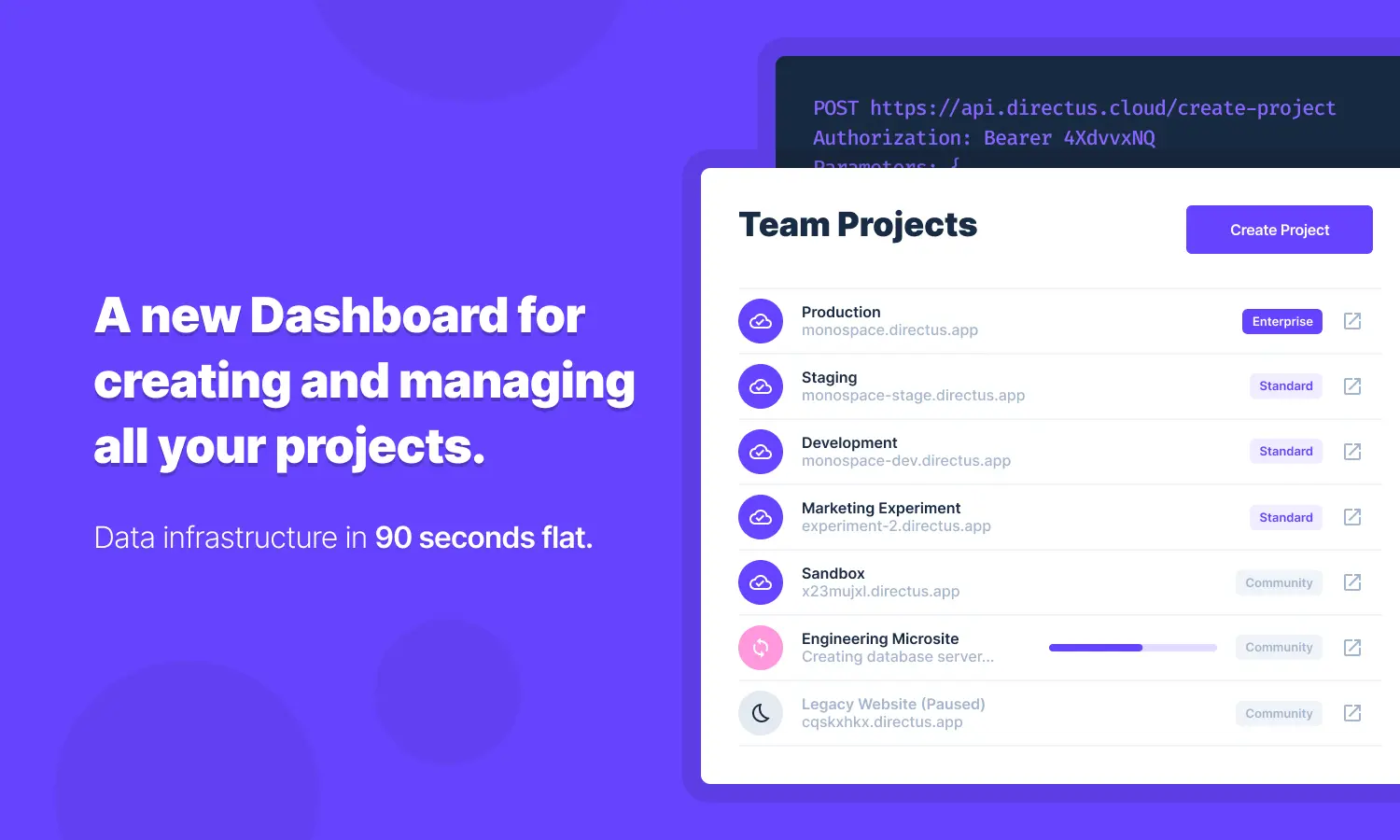
Directus Cloud is a hosting platform for Directus Projects which handles data storage, hosting, updates and scalability so developers can focus on building their app. There are 3 tiers of Cloud Projects: Community, Standard, and Enterprise. All 3 tiers come with everything in Directus Core as well as all Cloud Exclusive Extensions.
The Cloud Dashboard is constructed to manage three key components: Accounts, Teams and Projects. First, you create yourself an Account. Once logged in, you create or join a Team and your Account then becomes a Member of that Team. Then you create Projects within a Team.
Accounts can be Members on multiple Teams. All Team Members have SuperAdmin privileges to manage the Team's Projects, Project billing, other Team Members, and the Team itself. Teams can have multiple Team Members and multiple Projects. Projects can only be managed by one Team and cannot be transferred to new Teams.
Getting Started
To make life easy, you have the option to create and login to your free Cloud Account automatically with GitHub. If you have no GitHub or do not wish to use this login method, email-and-password login is available as well. Once logged-in, create a new Team or select an existing Team. Then you can access and manage the Team's associated Projects, billing details, Team Members, Activity, and Settings.
As mentioned above, the Dashboard layout itself is designed to manage Accounts, Teams and Projects. The following highlights how the Dashboard layout relates to each of these.
Accounts
Cloud Dashboard Header
- check — View Directus Cloud system status.
- notifications — Notifications such as version upgrades, platform upgrades, etc.
- help_outline — Documentation, Community Support and Request for Premium Support.
- expand_more — Create new Teams and navigate between Teams you are on.
- account_circle — Access, edit or destroy Account.
Teams
-
Team Members — View, invite and remove other Team Members or leave a Team yourself.
-
Team Activity — View Team activity like Project creation and deletion, billing information changes, Member invitations and removals, etc.
-
Team Settings — Edit the Team Name and Team Slug, as well as destroy the Team.
Projects
-
Team Projects — View and access all Projects managed within a Team. Click a Project to enter the Product Details Page and access, monitor, edit or delete a Project.
-
Team Billing — View and manage billing details such as credit card information, usage, subscriptions, and receipts.