 1bc7da6967
* .gitignored package-lock.json that was created in the docs subfolder

* tweaked color names, except the ones in in vue files

* converted terminal screencaps into markdown

* updated images in 'Content'

* updated user-directory images

* updated media in file-library

* moved picsto cloud in reference>files

* updated images in config > datamodels > relationships

* updated primary colors in app-overview.svg

* updated insights images

* swapped quickstart-guide media and touched up copy

* Update last colors, remove linting from docs temporarily

* Fix theme color

* Update homepage header image

Co-authored-by: rijkvanzanten <rijkvanzanten@me.com>
2.4 KiB
User Directory
Users are the individual accounts for logging in to the App. Each user belongs to a Role which defines its Permissions. The User Directory shows all users within the project, each with their own customizable profile page.
Browsing Users
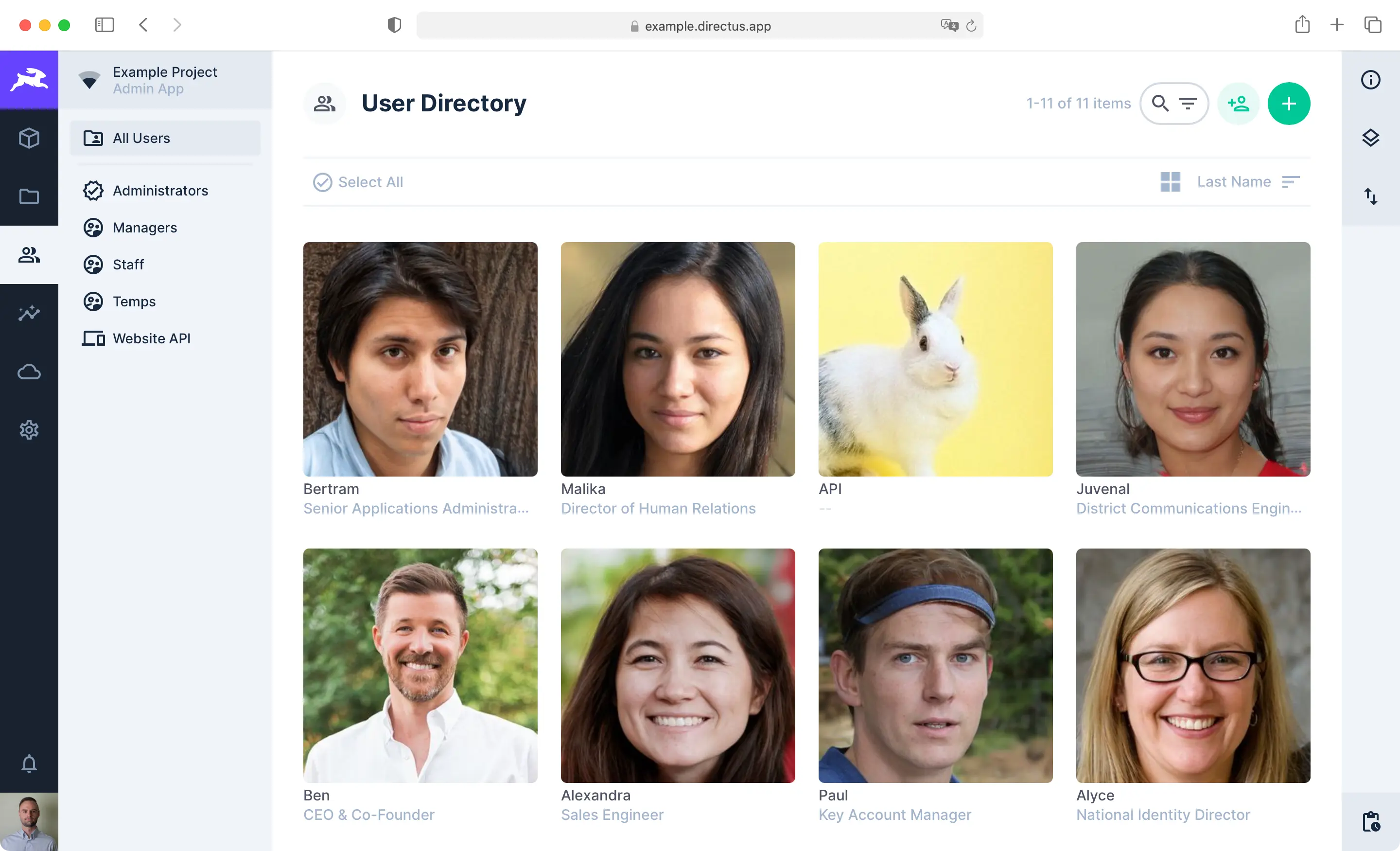
Lists all users of the project, with a navigation that allows quick access to the different role groups. This page has the same functionality as other Content Pages.
Viewing a User
Users are referenced throughout the app, often for accountability purposes. Hovering over a user in this context will provide a popover for basic information, and clicking that popover will navigate you to a readonly view of that user's profile page.
Editing a User
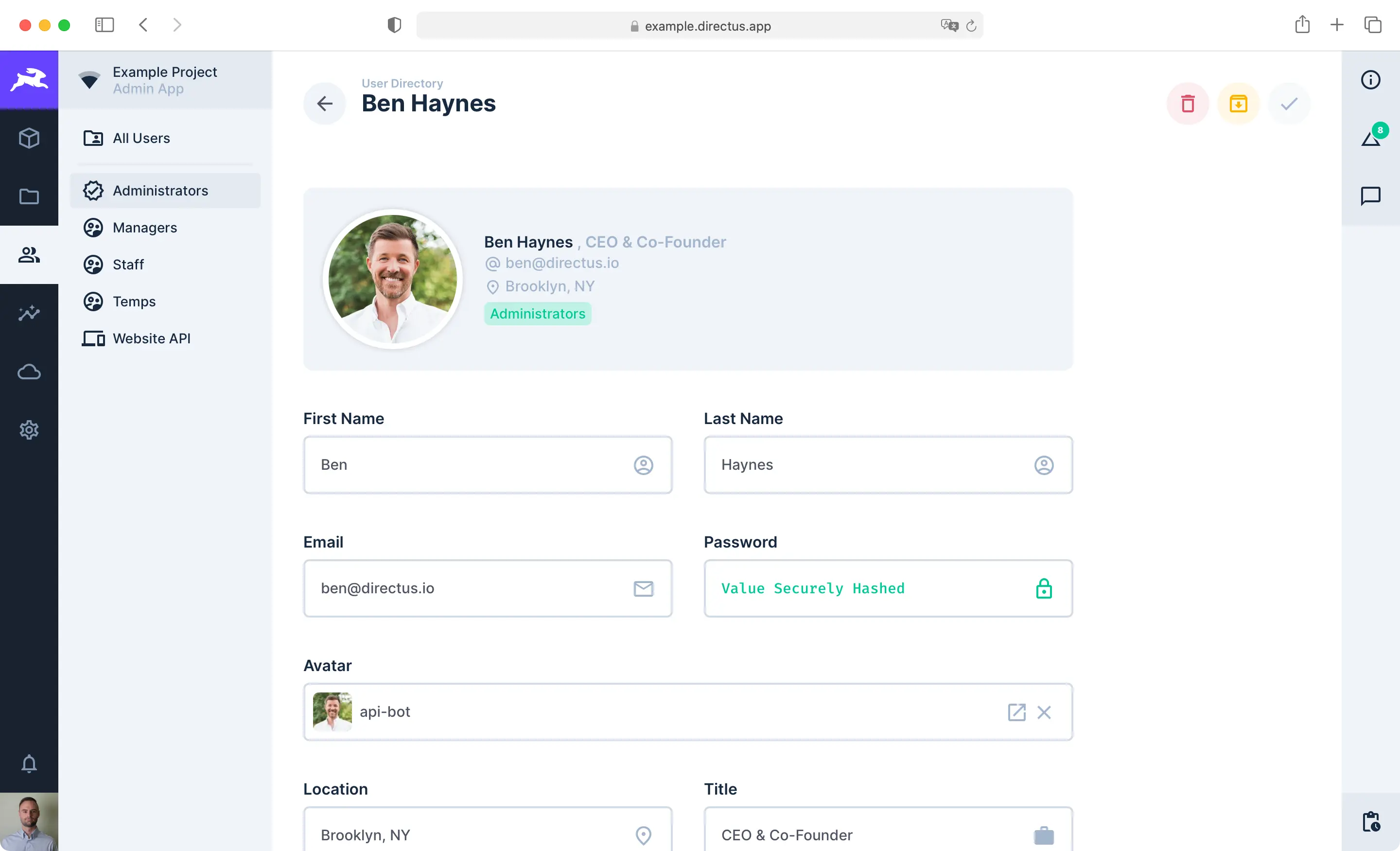
You can access your profile page from the User Directory or by clicking the User Menu in the Module Bar. The profile page has the same features and functionality as the Item Page. Administrators can customize the fields on this page, but the following are available by default.
- First Name — The given name
- Last Name — The family/surname
- Email — A unique email address
- Password — A hashed system password
- Avatar — An image to represent the user
- Location — The city, country, office, or branch name
- Title — The professional staff title
- Description — A freeform text description
- Tags — Keywords for searchability
- Language — The preferred App language/locale
- Theme — Light or Dark mode (or based on system preferences)
- Multi-Factor Authentication — Configuration for MFA
- Email Notifications - Receive emails for notifications
The sidebar's info component also includes the following readonly details:
- User Key — The primary key of the user
- Last Page — The last App page accessed by the user
- Last Access — The timestamp of the user's last App or API action
::: tip System Fields
Administrators have access to additional system fields.
:::