---
title: "Supabase"
description: "How to sync secrets from Infisical to Supabase"
---
The Supabase integration is useful if your Supabase project uses sensitive-information such as [environment variables in edge functions](https://supabase.com/docs/guides/functions/secrets).
Synced envars can be accessed in edge functions using Deno's built-in handler: `Deno.env.get(MY_SECRET_NAME)`.
Prerequisites:
- Have an account and project set up at [Supabase](https://supabase.com/)
- Set up and add envars to [Infisical Cloud](https://app.infisical.com)
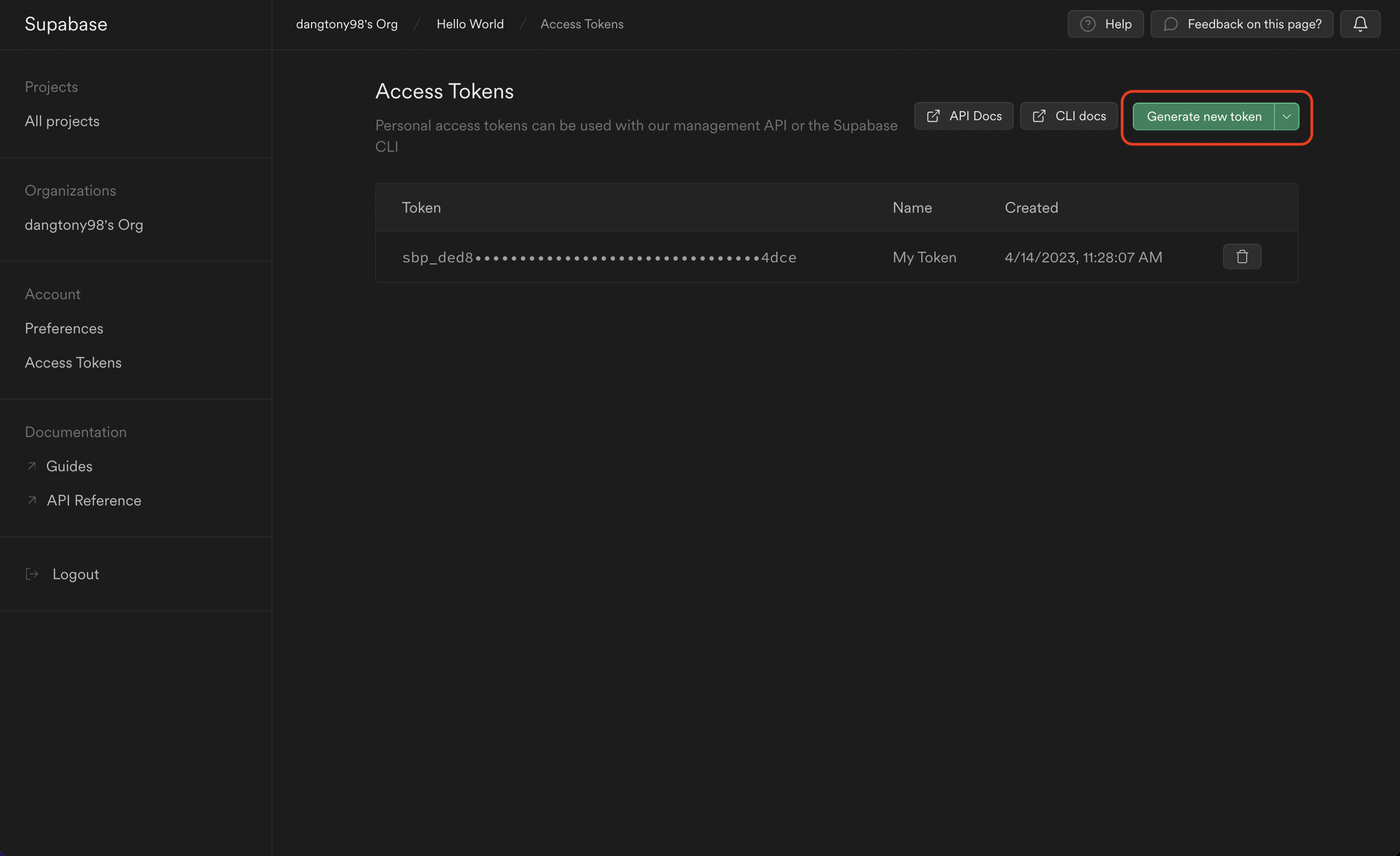
Obtain a Supabase Access Token in your Supabase [Account > Access Tokens](https://app.supabase.com/account/tokens).

Navigate to your project's integrations tab in Infisical.

Press on the Supabase tile and input your Supabase Access Token to grant Infisical access to your Supabase account.

Select which Infisical environment secrets you want to sync to which Supabase project. Lastly, press create integration to start syncing secrets to Supabase.

