
3.4 KiB
description: Ethereum Lite Explorer
Alethio Ethereum Lite Explorer
Use the Alethio Ethereum Lite Explorer to explore blockchain data at the block, transaction, and account level.
The Alethio Ethereum Lite Explorer is a web application that connects to any Ethereum JSON-RPC enabled node. No online server, hosting, or trusting third parties to display the blockchain data is required.
!!! note The Alethio Ethereum Lite Explorer is an Alethio product.
Prerequisites
!!! tip Using Docker is the easiest way to get started using the Ethereum Lite Explorer with Pantheon if you do not have Node.js installed.
Run Using Docker
To run the Ethereum Lite Explorer using the Docker image:
-
Start Pantheon with the
--rpc-http-enabledoption.!!! example
To run Pantheon in development mode: ```bash pantheon --network=dev --miner-enabled --miner-coinbase=0xfe3b557e8fb62b89f4916b721be55ceb828dbd73 --rpc-http-cors-origins="all" --host-whitelist="*" --rpc-http-enabled --data-path=/tmp/tmpDatdir ``` -
Run the
alethio/ethereum-lite-explorerDocker image specifying the JSON-RPC HTTP URL (http://localhost:8545in this example):docker run --rm -p 8080:80 -e APP_NODE_URL=http://localhost:8545 alethio/ethereum-lite-explorer -
Open http://localhost:8080 in your browser to view the Lite Explorer.
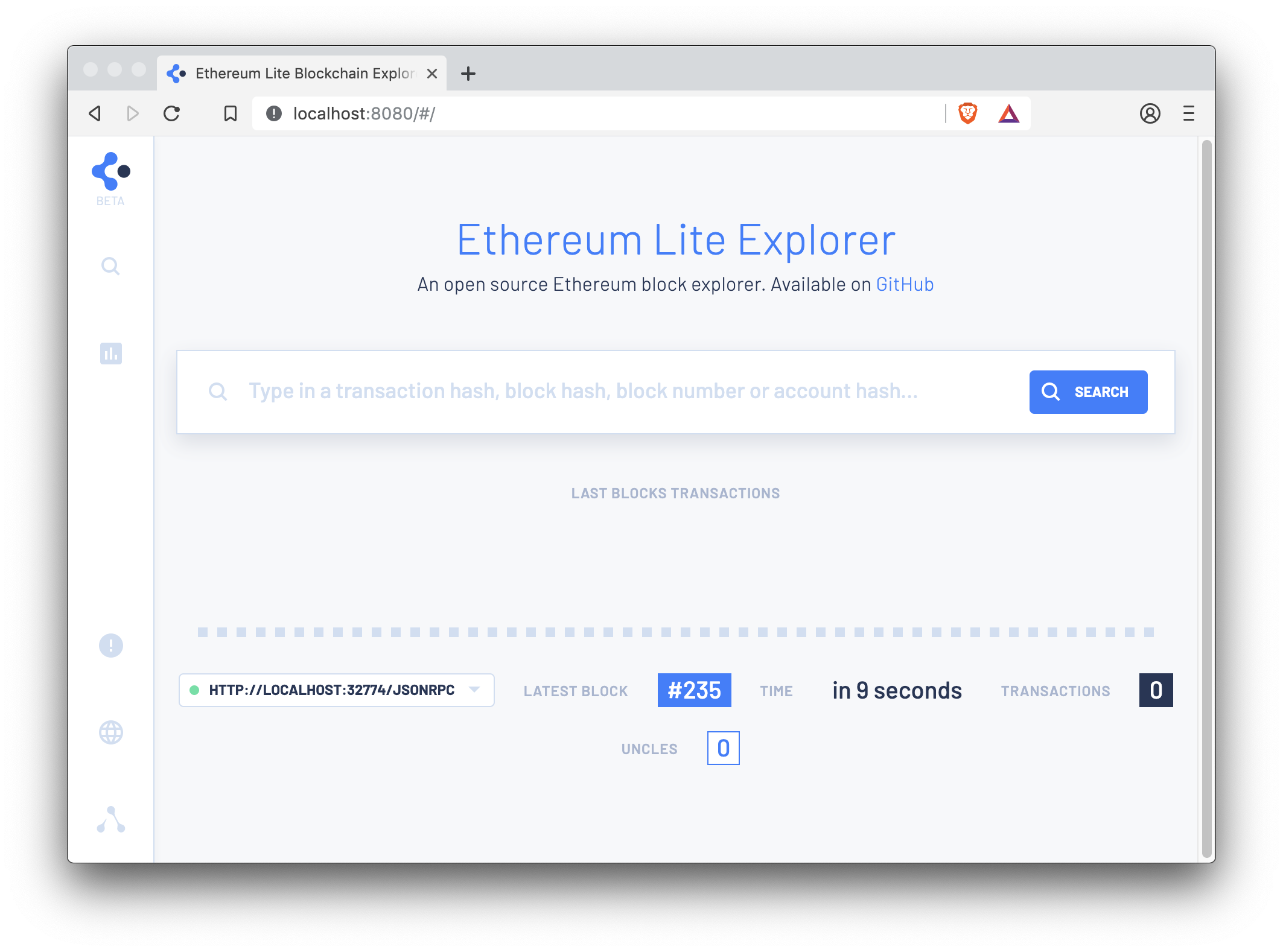
!!! note "Default HTTP port" We are using port 8080 to run the Ethereum Lite Explorer so the EthStats Lite can use port 80. You can then run both at the same time.

Install and Run with Node.js
-
Clone the
ethereum-lite-explorerrepository:git clone https://github.com/Alethio/ethereum-lite-explorer.git -
Change into the
ethereum-lite-explorerdirectory:cd ethereum-lite-explorer -
Install npm packages:
npm install -
Copy the sample config:
cp config.default.json config.dev.json -
Update the
config.dev.jsonfile:-
Set
APP_NODE_URLto the JSON-RPC HTTP URL of your node (http://localhost:8545in this example) -
Remove other environment variables.
-
-
In another terminal, start Pantheon with the
--rpc-http-enabledoption.!!! example
To run Pantheon in development mode: ```bash pantheon --network=dev --miner-enabled --miner-coinbase=0xfe3b557e8fb62b89f4916b721be55ceb828dbd73 --rpc-http-cors-origins="all" --host-whitelist="*" --rpc-http-enabled --data-path=/tmp/tmpDatdir ``` -
In the
ethereum-lite-explorerdirectory, run the Lite Explorer in development mode:npm run build npm run start -
A browser window displays the Ethereum Lite Explorer (http://localhost:3000/).
Lite Block Explorer Documentation
See the Ethereum Lite Explorer GitHub repository for more documentation, including details on deploying it.