mirror of
https://github.com/directus/directus.git
synced 2026-04-25 03:00:53 -04:00

102 lines
4.0 KiB
Markdown
102 lines
4.0 KiB
Markdown
---
|
|
contributors: Rijk Van Zanten, Esther Agbaje
|
|
description: Discover how Directus extensions enable you to expand its features and how you can customize it to suit your specific needs.
|
|
---
|
|
|
|
# Extensions
|
|
|
|
Extensions provide a way to build, modify or expand Directus' functionality beyond the default, for your specific needs.
|
|
There are three main categories of extensions:
|
|
|
|
1. App Extensions
|
|
2. API Extensions
|
|
3. Hybrid Extensions
|
|
|
|
## App Extensions
|
|
|
|
App extensions (also known as frontend extensions) provide visual and client-side modifications to the Directus App.
|
|
|
|
### Interfaces
|
|
|
|
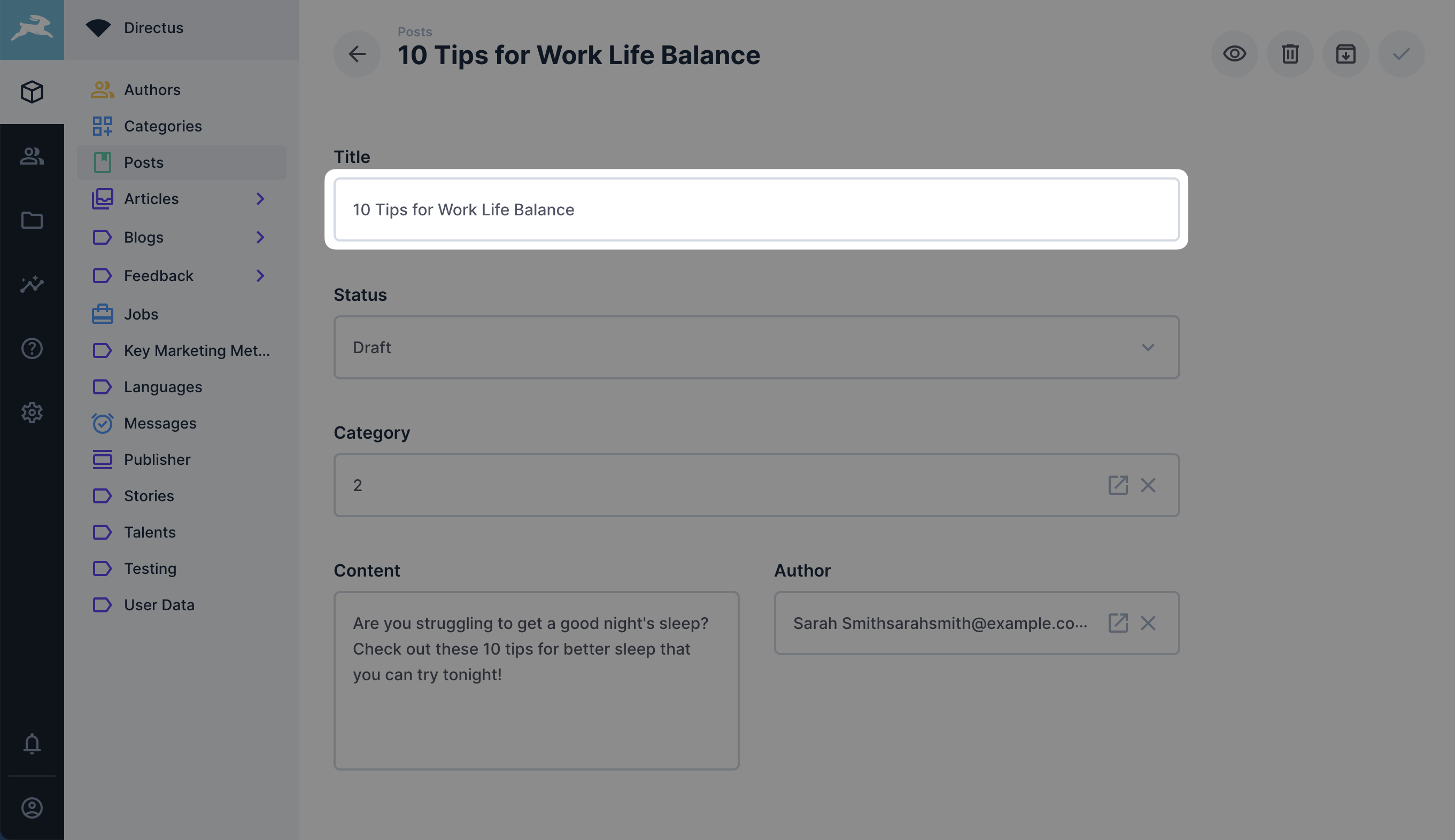
[Interfaces](/extensions/interfaces) provide the user with ways to create and edit items through forms and other
|
|
elements.
|
|
|
|
|
|
|
|
### Layouts
|
|
|
|
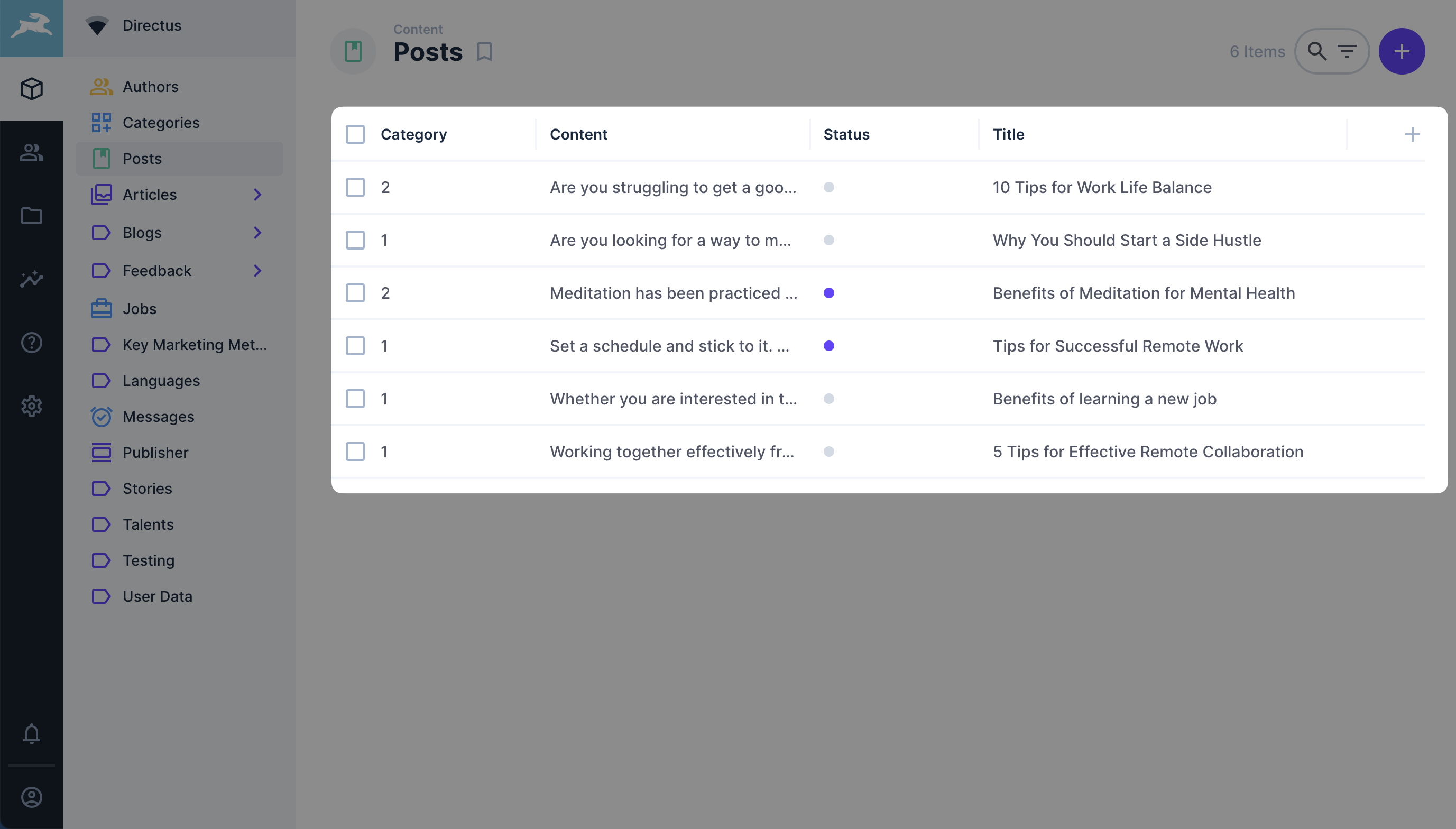
[Layouts](/extensions/layouts) give you control over how multiple items inside a collection are presented. Out of the
|
|
box, Directus provides data layouts such as _table_, _cards_, _calendar_ and _map_. However, with layout extensions, you
|
|
can implement a custom layout extension to present your data. For example, a layout that renders your data in a sphere.
|
|
|
|
|
|
|
|
### Displays
|
|
|
|
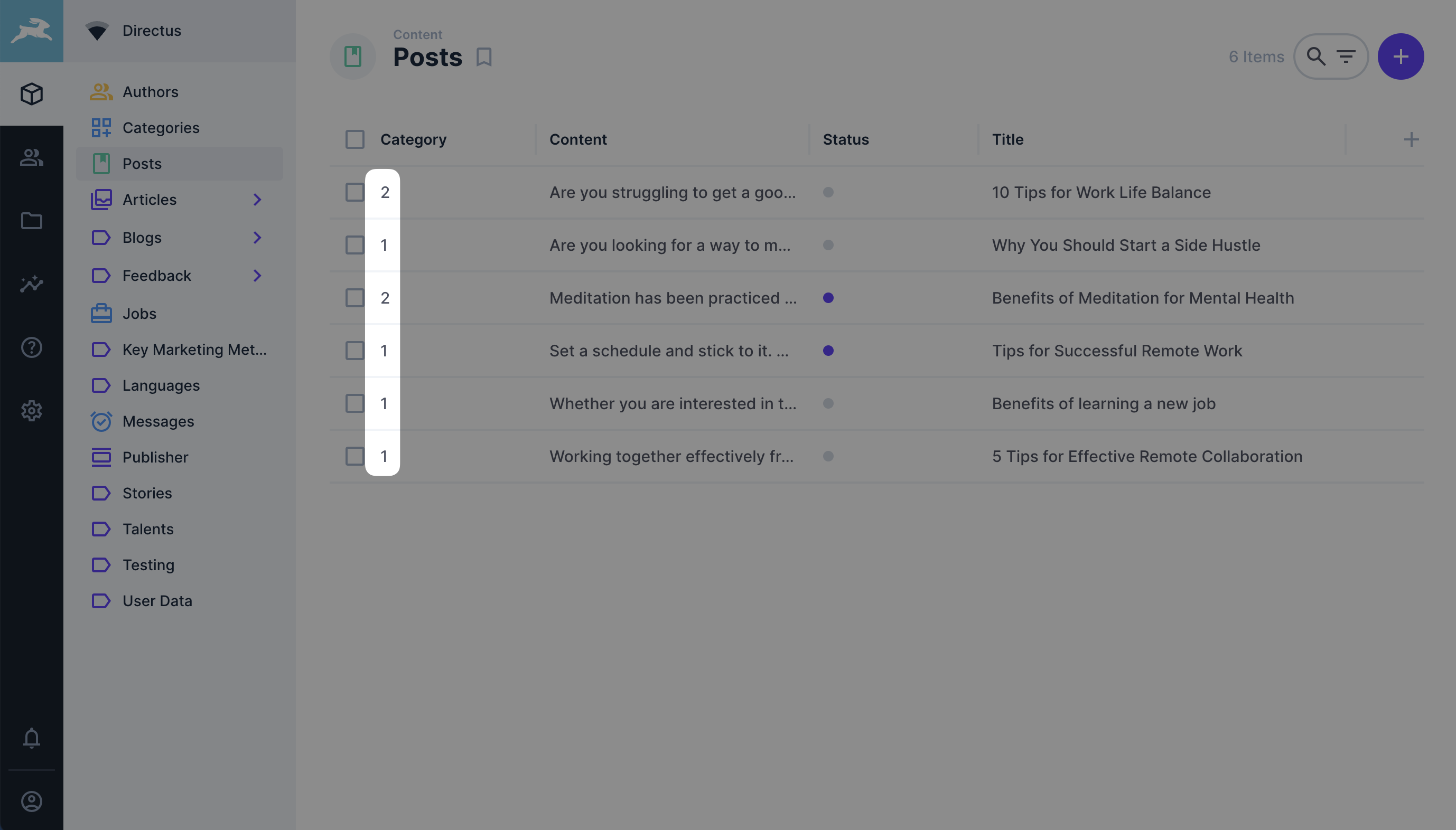
[Displays](/extensions/displays) enable you to customize the way data gets displayed in layouts. For instance, if you
|
|
have a field with values ranging from 0 to 10 you could create an interface that shows a progress bar relative to that
|
|
value.
|
|
|
|
|
|
|
|
### Panels
|
|
|
|
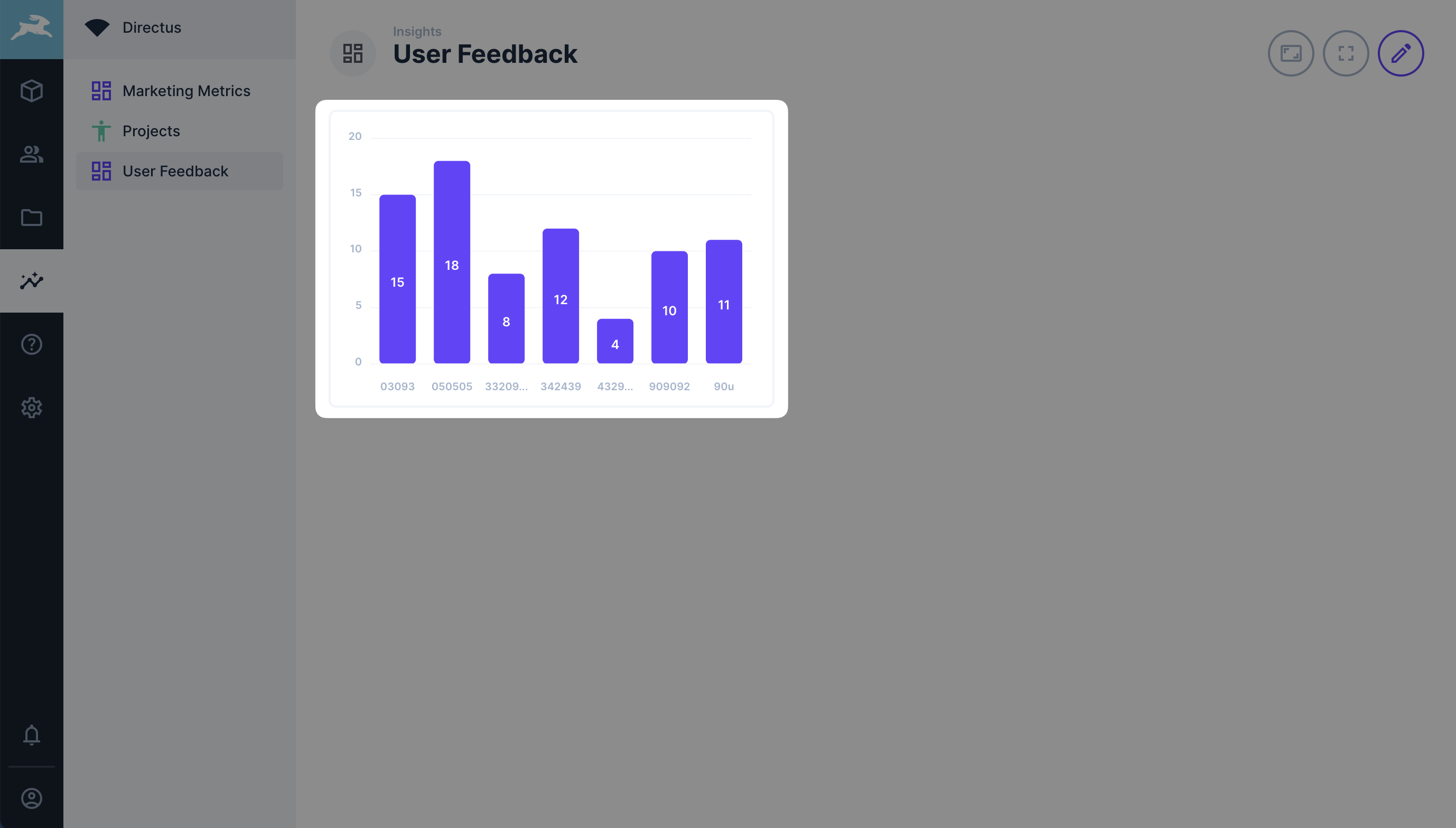
[Panels](/extensions/panels) are like widgets designed specifically for visualizing and interacting with data within
|
|
Directus Insights. They are similar to displays but can show multiple data points, contain interfaces and allow user
|
|
input.
|
|
|
|
|
|
|
|
### Modules
|
|
|
|
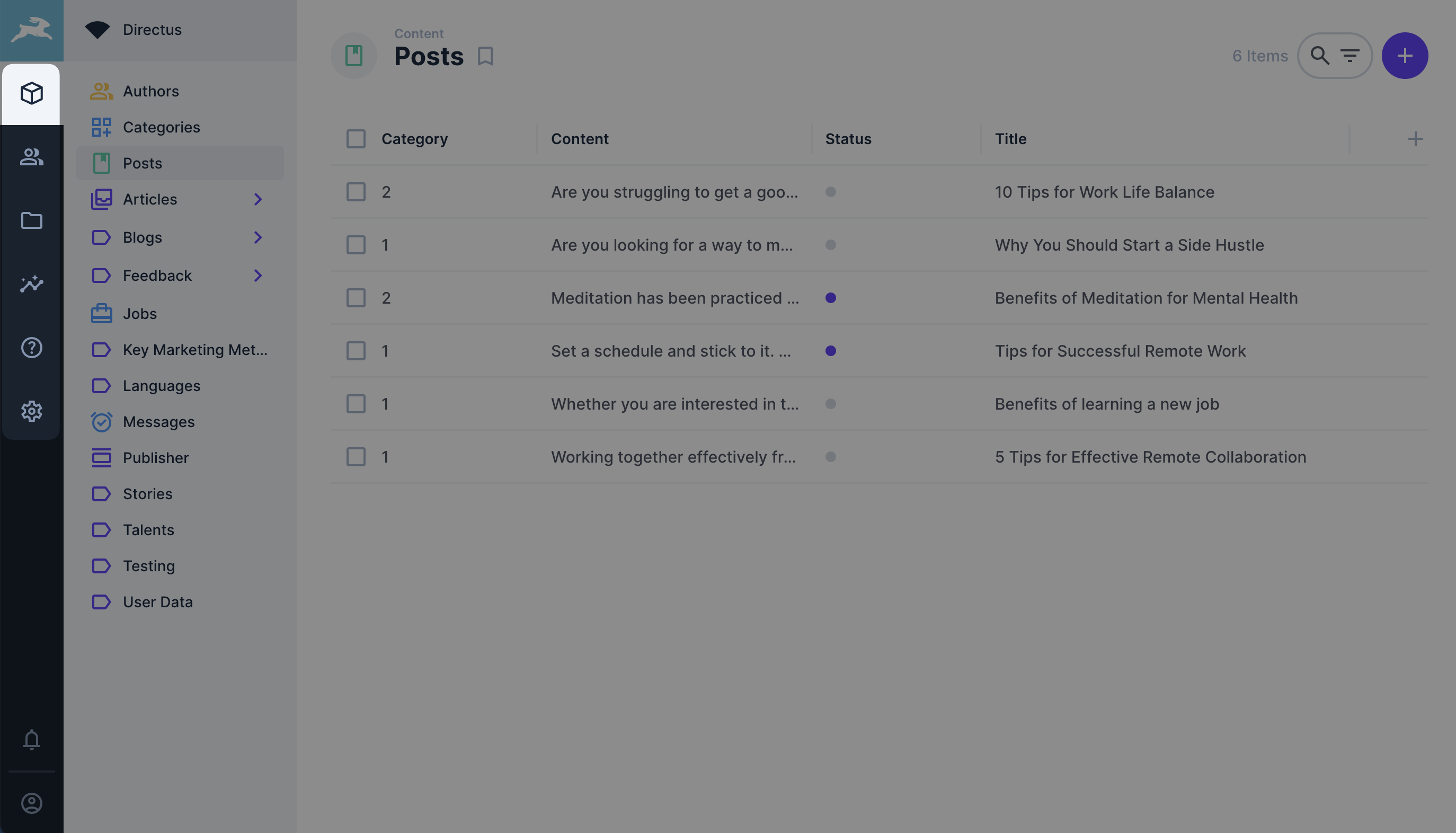
[Modules](/extensions/modules) introduce a whole new level of extensibility to Directus by allowing you to add an
|
|
entirely new page your Directus app. For example, a page solely containing an integration with an external service. When
|
|
new modules are added, they appear as new icons in the main module side bar.
|
|
|
|
|
|
|
|
### Themes
|
|
|
|
[Themes](/extensions/themes) allow you to create a new app design that's tailored to your brand or aesthetic. They allow
|
|
configuration of colors, typography, forms, and more.
|
|
|
|
## API Extensions
|
|
|
|
API extensions (also known as backend extensions) modify Directus server-side related functionalities such as APIs, data
|
|
sources and custom workflows.
|
|
|
|
### Endpoints
|
|
|
|
[Endpoints](/extensions/endpoints) allow for creating your own custom endpoints to the Express instance of Directus.
|
|
|
|
### Hooks
|
|
|
|
[Hooks](/extensions/hooks) are similar to Flows, but do not have a UI in the Directus Data Studio. Hooks can be
|
|
triggered during Directus' startup, when data is changed, or on schedules.
|
|
|
|
## Hybrid Extensions
|
|
|
|
Hybrid extensions modify both frontend and backend functionality. Hence, they allow expanding upon both the admin app
|
|
interface and the API.
|
|
|
|
### Flow Operations
|
|
|
|
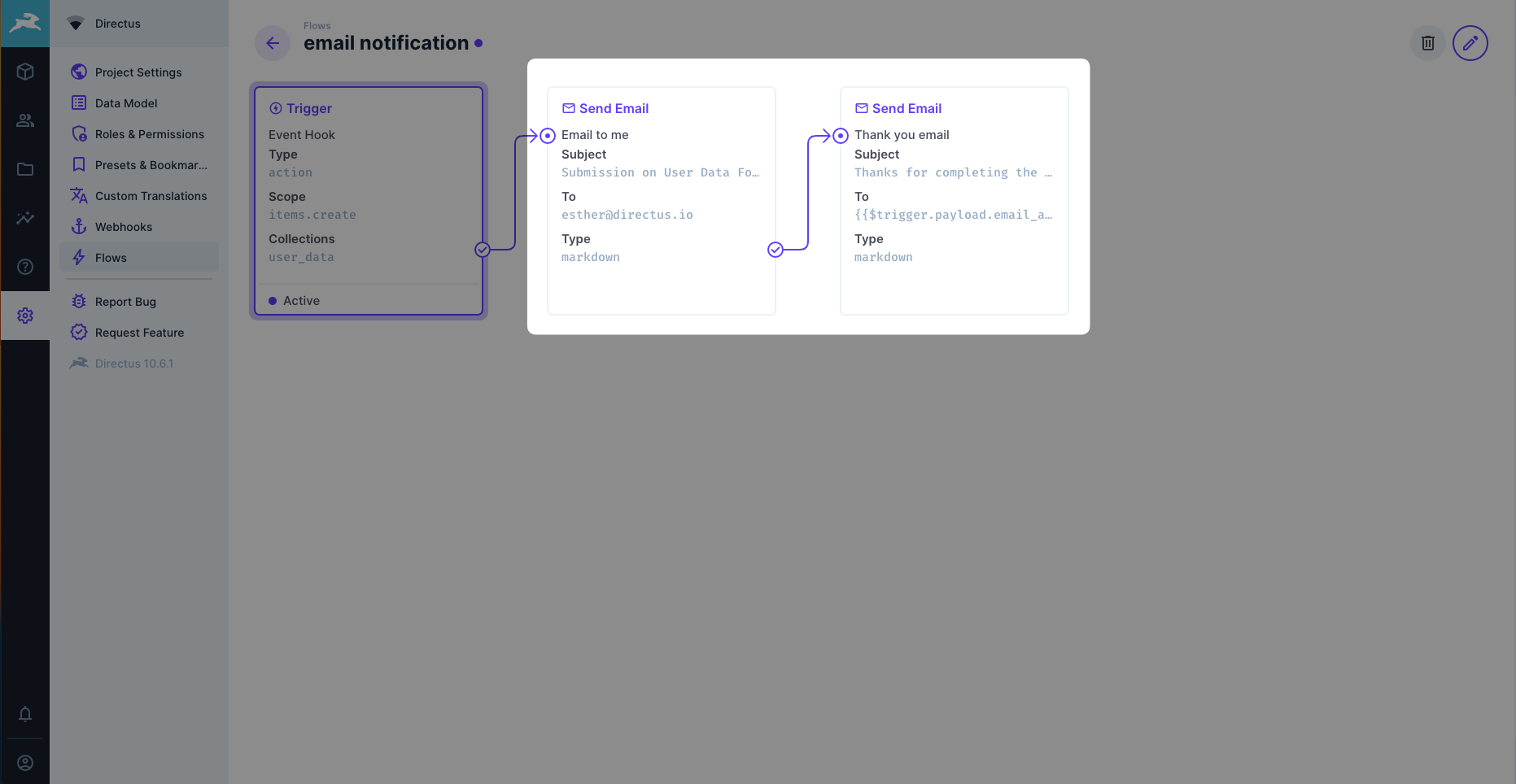
[Flow Operations](/extensions/operations) are small modules inside flows that allow for complex processes when combining
|
|
them with each other. An operation extension could be an integration with a 3rd party service or simply a regex
|
|
validator for a given string.
|
|
|
|
|
|
|
|
### Bundles
|
|
|
|
[Bundles](/extensions/bundles) enable you to combine multiple extensions into a single, larger extension. They are
|
|
useful when an extension comprises several related sub-extensions that should be installed together. Bundles allow you
|
|
to share dependencies among multiple extensions, significantly reducing file size.
|
|
|
|
::: tip Extensions Library
|
|
|
|
Here's a [list of various extensions](https://github.com/directus-community/awesome-directus#extensions) created by the
|
|
Directus Community.
|
|
|
|
:::
|